
Music Hackspace Jitter in Ableton by Ned Rush
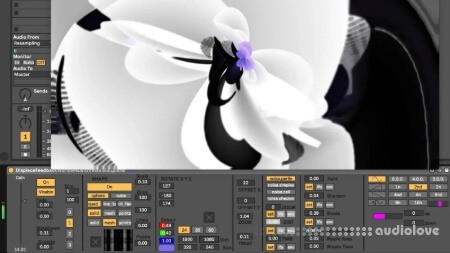
Build an audio-reactive Jitter patch inside Ableton: compare Jitter and OpenGL, extract data from audio, process the render context, and port the finished visual patch into Max for Live.
A focused session on generating visuals from sound using Jitter inside Max for Live. It compares Jitter with OpenGL, shows how to pull data from incoming audio, and builds an audio-reactive patch with attention to the render context. The work is then moved into Max for Live so the visuals run alongside an Ableton set.
Learning outcomes
Discover the basics of the Jitter framework
Explore options for analysing audio signals to gather data to control visuals
Deploy objects suitable for making visuals
Apply processes from data acquired from audio signals to control visuals
Apply UI elements and save into a Max For Live device
Who is this course for?
This course is for people with a programming background who are interested in exploring the jitter environment.
Requirements
A computer and Internet connection
A good working knowledge of computer systems
A basic awareness of audio processing
Good familiarity with MSP
Access to a copy of Max 8 (i.e. trial or full license)
Home page
DOWNLOAD